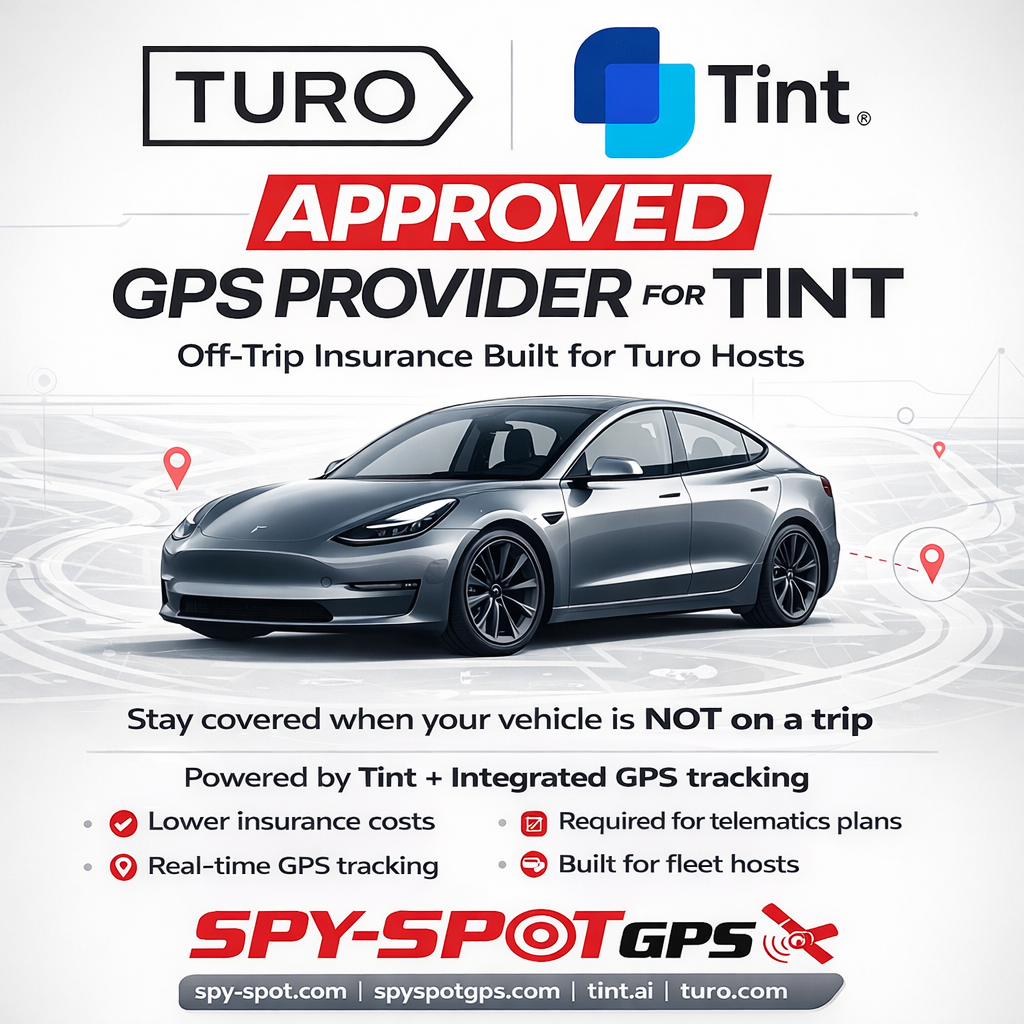


If you’re using Tint for Turo off-trip coverage, connecting your SpySpotGPS device is quick and simple.
Spy Spot GPS is an approved GPS provider for Tint and helps Turo hosts maintain:
- real-time vehicle tracking
- fleet visibility
- remote engine disable capabilities
- telematics connectivity for off-trip coverage
Official Tint Support Guide
Follow the official Tint article here:
How to Connect Your SpySpotGPS Device to Tint
OR follow the steps below.
SpySpotGPS + Tint Setup Guide
- Log in to your SpySpotGPS account.
- Locate the “Tint Authorization” section inside your account dashboard.
- Enter the VIN number for the vehicle you want to connect.
- Click “OPT-IN” to authorize telematics sharing with Tint.
- Repeat the process for each eligible vehicle in your fleet.
- If needed, you can return to the same section later and click “OPT-OUT” to remove authorization.
Tint uses this connection to verify active GPS tracking for eligible Turo vehicles.
How Tint Off-Trip Coverage Works
Turo provides coverage DURING rentals.
Tint helps cover vehicles BETWEEN rentals when they are being used for approved business purposes such as:
- maintenance
- delivery
- parking
- car wash visits
Personal use is not covered under Tint off-trip coverage.
Spy Spot GPS helps connect it all with:
- real-time GPS tracking
- remote engine disable (kill switch)
- full fleet visibility
- 24/7 access through SpySpotGPS.com
Video Walkthrough
Watch our full SpySpotGPS + Tint setup guide below:
Get Started
Hardwired GPS tracker with remote engine disable:
Also available on Amazon:
Manage and activate your devices:
Whether you operate a few vehicles or a growing fleet, Spy Spot GPS helps keep your vehicles connected, visible, and under control between bookings.