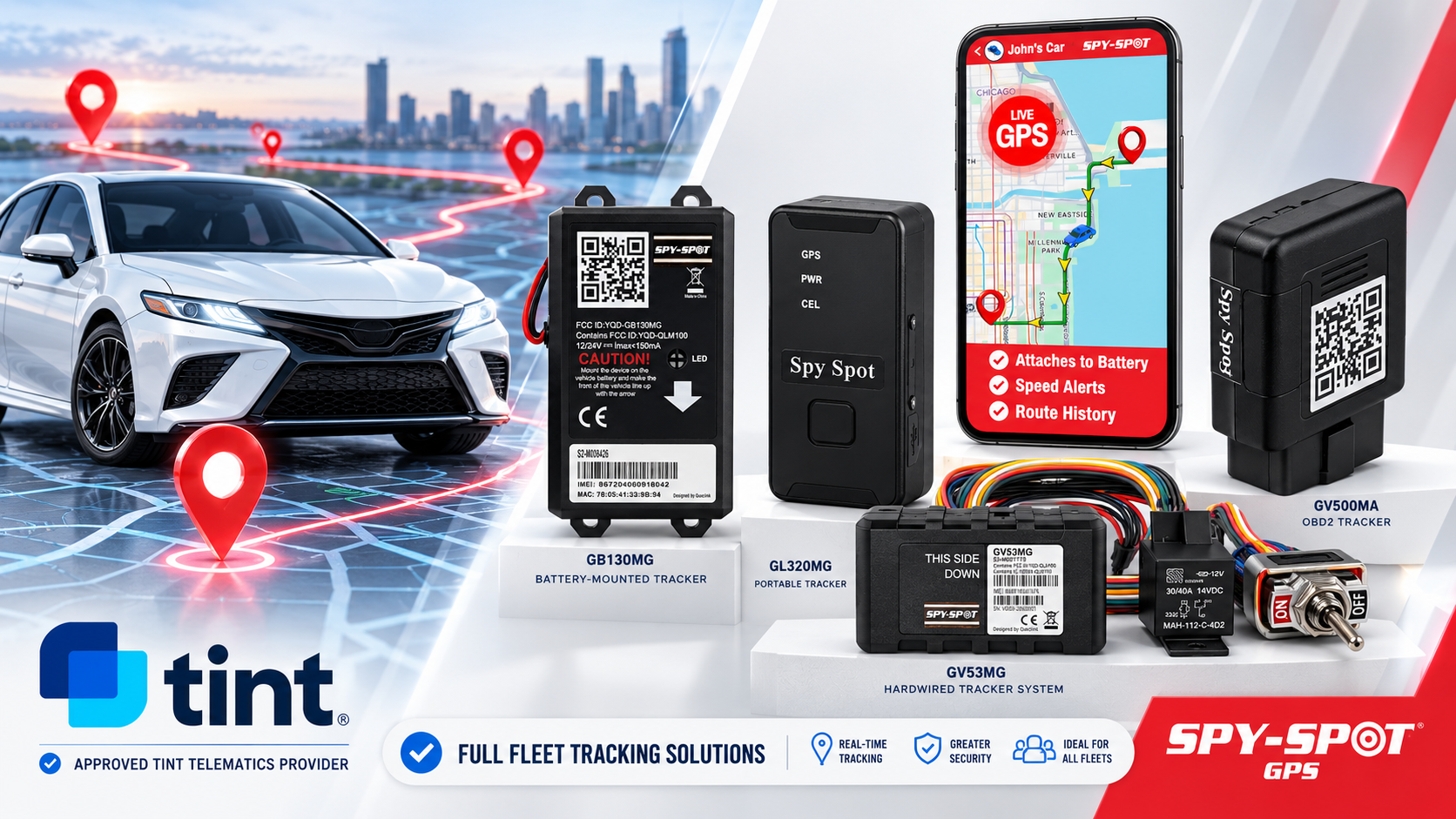


If you're a Turo host with Tint's Off-Trip Insurance and you're using a Spy Spot tracker, connecting the two takes about five minutes - but it's worth doing carefully, since it's what actually keeps you on telematics-priced coverage. Here's the full walkthrough.
Before you start, have these ready
- Your Spy Spot device installed and active on the vehicle
- The vehicle's VIN (Vehicle Identification Number)
- Your SpySpotGPS web portal login
Step-by-step: connecting SpySpotGPS to Tint
1. Log into your SpySpotGPS account. Head to spyspotgps.com and sign in with your usual account credentials.
2. Open Tint Authorization. From the main menu, find "Tint Authorization" and click "Authorize" to start the connection.
3. Select the vehicle. You'll see a list of your registered devices - choose the one you want linked to your Tint policy.
4. Enter the VIN. Type in the correct VIN for that vehicle. Double-check it character by character; a mismatched VIN is the most common reason this step fails.
5. Opt in to data sharing. Select "Opt-In" to authorize sharing your telematics data with Tint. A green confirmation banner at the top of the page means you're done.
That's it - once you see the confirmation, your device is actively sharing the location data Tint needs for eligibility, pricing, and claims support.
If something doesn't work
- VIN rejected? Re-check it against your vehicle registration or title - a single mistyped character will block the connection.
- Don't see your device in the list? Confirm it's marked active and properly assigned to a vehicle in your SpySpotGPS account first.
- No green confirmation after opting in? Refresh the page and make sure "Opt-In" was actually selected before you navigated away.
Tint also has a short video walkthrough if you'd rather watch than read:
A reminder on why this step matters
Being connected to an approved provider isn't enough on its own - the opt-in step is what actually authorizes Tint to receive your data. Skip it, and your policy defaults to non-telematics pricing regardless of what hardware is installed. If you haven't set this up yet, it's worth doing today rather than closer to your 60-day deadline.
Don't have a Spy Spot tracker installed yet?
The GV53MG 4G LTE Hardwired GPS Tracker with Kill Switch is our top pick for Turo and rental hosts - hardwired so renters can't unplug it, real-time location reporting, and a remote starter disable if a vehicle doesn't come back. Once it's installed and active, the steps above take just a few minutes.
Shop the GV53MG (bulk pricing for fleets): https://spy-spot.com/products/new-4g-lte-hardwired-gps-tracker-with-remote-starter-disable-vehicle-kill-switch
Also available on Amazon: https://www.amazon.com/spyspot